Live Demos
Four demos run the real Precomputing code right here in your browser, each on its own kind of data. They are open to everyone with no sign-up, and nothing you do here leaves the page. Each one takes about a minute to play and ends by checking every answer it kept ready against a recount made by separate code.
Simulated data, real code. The traffic, the trades, the usage and the log lines come from fixed scripts. The compiler, the Engine, the log reducer and SQLite are the real thing, built for WebAssembly.
SQL: Precomputing Inside Any SQLite
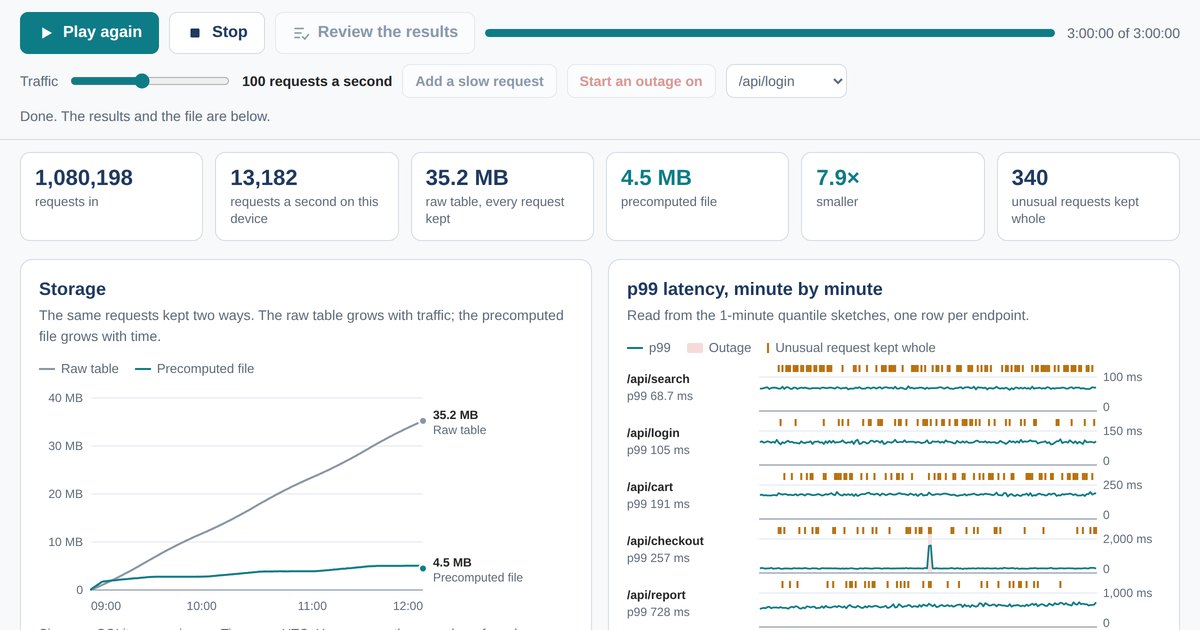
Three hours of API traffic for a small web service go through a compiled policy in SQLite. Watch the raw table grow with traffic while the precomputed file grows with time, add slow requests, start an outage, then ask the file anything in SQL. Open the SQL demo
Engine: The Same Policy at Native Speed
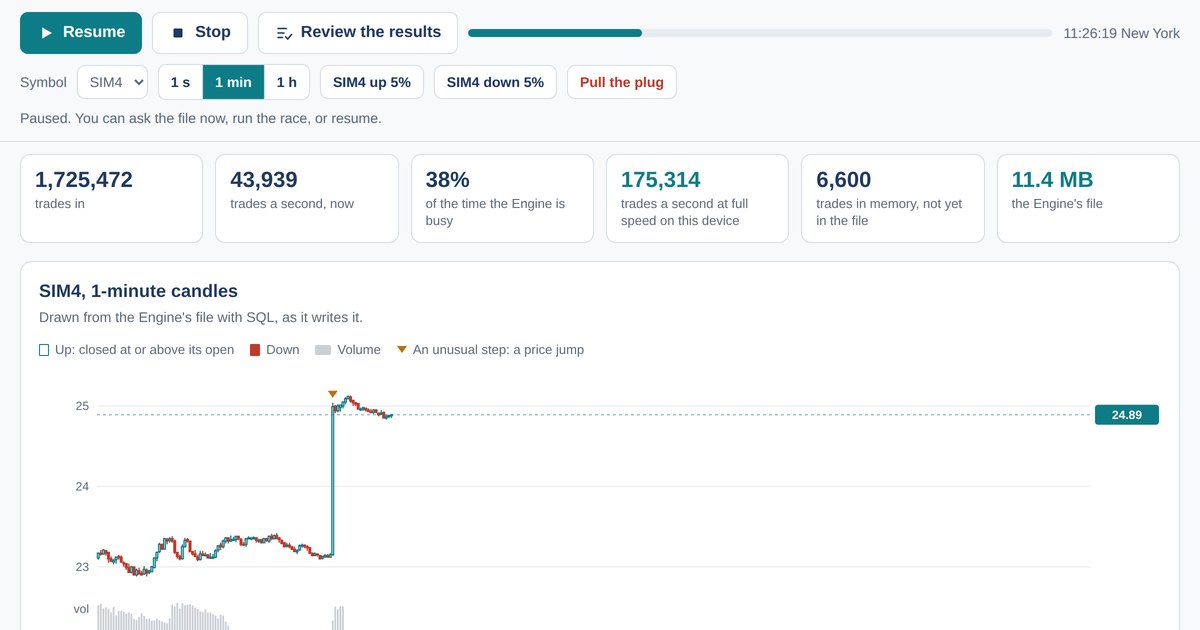
A trading day of about four million stock trades turns into candles, drawn from the file as the Engine writes it. Pull the plug in the middle of a write, race the Engine against the compiled SQL, and check every closed candle at the end. Open the Engine demo
Meter: Exact Usage and Quotas
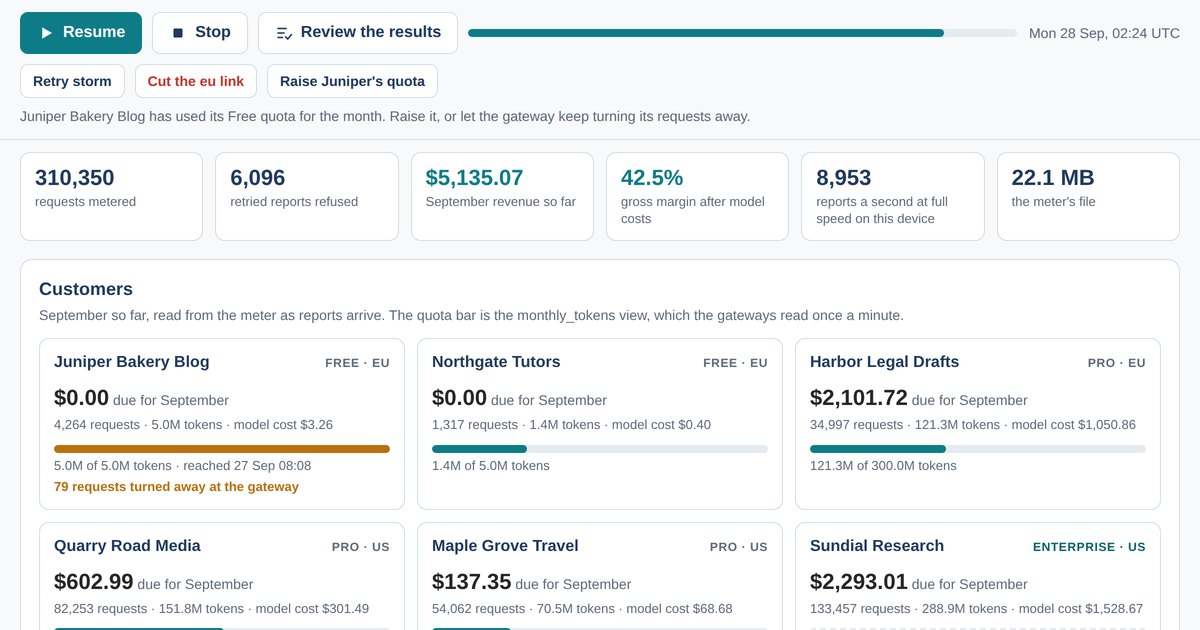
A month of AI usage from six customers goes through two gateways into one meter. Start a retry storm or cut a link: every request is still billed once, in the hour it happened, and September’s invoices come out equal to a recount to the billionth of a dollar. Open the Meter demo
Logs: Answers Go Up, Lines Stay Home
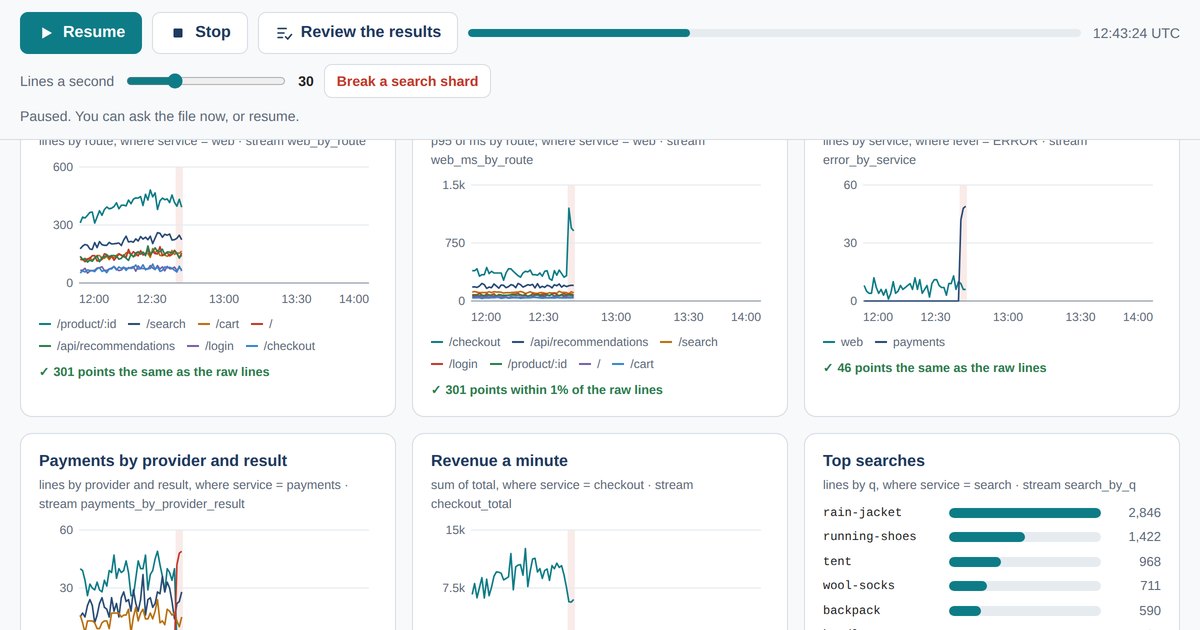
Two hours of a web shop’s logs go through the log reducer. It learns the kinds of line as they arrive, sends a six-panel dashboard upstream as answers, catches a payment incident as a new kind of error and keeps every line on site for search. Open the Logs demo
What Every Demo Has
- Play, Stop and Review the results. A run left alone ends with the numbers published on the Platform page. Review the results finishes the run at full speed and opens the checks.
- Something to break. Each demo has a button that makes the day harder: a slow request, an outage, a pulled plug, a retry storm or a broken search shard.
- The policy. The policy the demo runs, the SQL it compiles to, and a box to change it and compile it again with the real compiler.
- The checks. At the end, every answer next to the same answer recounted from the events as they were sent, by code that never reads the file.
- Ask the file. The file is plain SQLite. Pick a ready-made question or write your own, and download the file to open it in any SQLite tool.
What Your Browser Needs
Any current Chrome, Edge, Firefox or Safari, on a computer or a phone, with JavaScript switched on. The demos need WebAssembly, which all of them support. Everything comes from this site: SQLite built for the browser (1.5 MB, 577 KB compressed), and for the Engine and Logs demos the Go program that runs them (5.0 MB, 1.3 MB compressed). The files the demos write live in the page’s memory and go away when you close it.